


TheBankTodayTheBankTodayTheBankToday
Notification Show More
Font ResizerAa
  • Home
  • Banking
  • SBI
  • ATM Card
  • NEFT/UPI
  • Central Bank
  • Important
Reading: Manage Money for Family easily with UPI Circle feature
Share
Font ResizerAa
TheBankTodayTheBankToday
  • Home
  • Banking
  • SBI
  • ATM Card
  • NEFT/UPI
  • Central Bank
  • Important
Search
  • Home
  • Banking
  • SBI
  • ATM Card
  • NEFT/UPI
  • Central Bank
  • Important
Have an existing account? Sign In
Follow US

Home » Important

UPI Tap and Pay feature being used with an NFC-enabled smartphone and POS terminal
Important

Manage Money for Family easily with UPI Circle feature

Takendra Verma
Last updated: 08/12/2025 4:13 PM
Takendra Verma
Published: 08/12/2025
Share
SHARE

Managing money for family and friends has often been tricky, but the UPI Circle feature, launched last year, has made it much simpler.

Contents
What is UPI Circle?Transaction LimitsHow Transactions WorkPartial vs Full DelegationHow to Activate UPI Circle

This feature allows you to make payments on someone else’s behalf securely and conveniently.

What is UPI Circle?

The National Payments Corporation of India (NPCI) introduced UPI Circle to let multiple people share a single UPI ID.

The primary user can add a trusted person—like a family member, friend, or spouse—as a secondary user.

Both can then transact using the same bank account and UPI ID.

The primary user can set a transaction limit for the secondary user.

Permissions can be granted or revoked anytime for security.

Transaction Limits

Single transaction per device: ₹5,000

Monthly limit per device: ₹15,000

First 24 hours after adding a new device: ₹2,000

Maximum secondary devices or IoT software: 5

How Transactions Work

Open the IoT app and start UPI payment registration.

Select “Enable UPI for your device” and enter the mobile number linked to the primary UPI app.

Enter the OTP received on your phone.

A QR code will appear in the device app (can also be done via phone-based apps).

Device details show up in the primary UPI app.

  1. Primary user sets limits and grants permission, then authenticates via UPI PIN or biometric verification.

After this setup, payments can be made easily from the linked device or software.

Partial vs Full Delegation

Partial delegation: The secondary user needs the primary user’s approval (UPI PIN) for every payment.

Full delegation: The secondary user can make payments up to a set limit without needing approval.

How to Activate UPI Circle

Download the BHIM UPI app and link it to your bank account.

Go to the UPI Circle section and enter the UPI IDs or mobile numbers of your family or friends.

Choose partial or full delegation and set transaction limits if giving full delegation.

Once activated, UPI Circle lets you securely make payments for your loved ones whenever needed, making money management simple and safe.


You Might Also Like

Up to 7.5% FD Interest for Seniors
Modern Diagnostic IPO Opens Today
NSC Rules you should know before Investing
Multibagger Stock: Stock Surges to Rs 16 with upper Circuit Limit
Emami Share Buyback Announced at ₹475 Per Share
Share This Article
Facebook Email Print
Leave a Comment

Leave a Reply Cancel reply

Your email address will not be published. Required fields are marked *

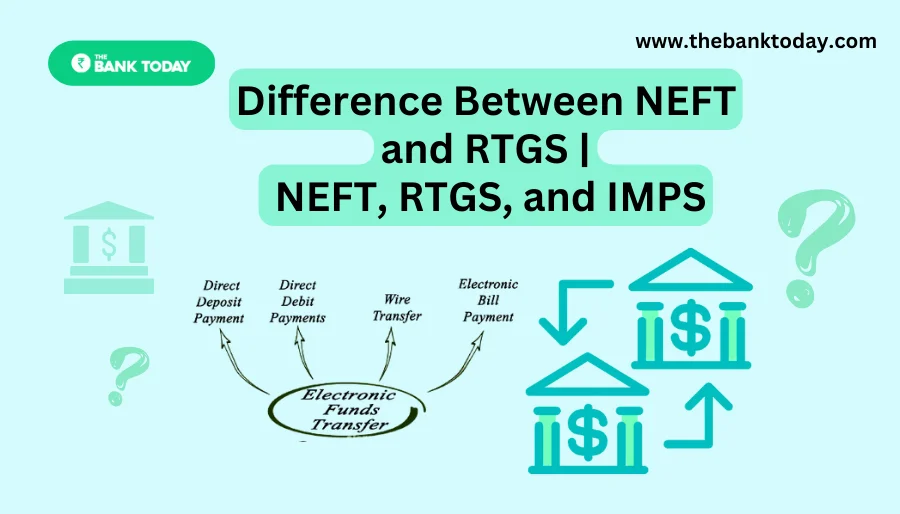
Difference Between NEFT and RTGS

Get Banking Updates

Important banking and money updates, delivered without the clutter.
Thank you! Please check your inbox to confirm your subscription.
Popular Updates
SBI Asha Scholarship
SBI Asha Scholarship 2023: विद्यार्थियों को मिल रही 5 लाख की स्कॉलरशिप
31/07/2023
fd
RBI Changes FD Interest Rate Rules From October 1
22/09/2026
How to register YONO SBI
How to register YONO SBI in Just 5 minutes
11/05/2023
check balance from SBI ATM
How to check Balance from SBI ATM?
30/07/2023
How to check Balance in SBI
How to check Balance in SBI in 2023?
18/02/2023

Tags

  • Central Bank Of India
  • Pan Card
  • register mobile number
  • pan card new rule
  • Banking Service
  • HDFC
  • SBI Personal Loan
  • Net Banking
  • Activate Net Banking
  • What is Bank?

TheBankToday

TheBankToday publishes practical banking, personal-finance and financial-news explainers to help readers understand important updates and services.
Quick Links
  • About
  • Contact Us
  • Disclaimer
  • Join Us
  • T&C
  • Privacy Policy
  • Customize Interests
Important Links
  • Advertise With Us
  • Advertising Policy
  • Cookie Policy
  • Corrections Policy
  • Editorial Policy
  • Fact-Checking Policy
  • Grievance Redressal

Subscribe Us

Subscribe to our newsletter to get our newest articles instantly!

Thank you! Please check your inbox to confirm your subscription.
© 2026 TheBankToday. All Rights Reserved.
Welcome Back!

Sign in to your account

Username or Email Address
Password

Lost your password?