


TheBankTodayTheBankTodayTheBankToday
Notification Show More
Font ResizerAa
  • Home
  • Banking
  • SBI
  • ATM Card
  • NEFT/UPI
  • Central Bank
  • Important
Reading: EPFO Extends Deadline for Linking UAN and Bank Account with Aadhaar
Share
Font ResizerAa
TheBankTodayTheBankToday
  • Home
  • Banking
  • SBI
  • ATM Card
  • NEFT/UPI
  • Central Bank
  • Important
Search
  • Home
  • Banking
  • SBI
  • ATM Card
  • NEFT/UPI
  • Central Bank
  • Important
Have an existing account? Sign In
Follow US

Home » EPF

EPFO Image New img
EPF

EPFO Extends Deadline for Linking UAN and Bank Account with Aadhaar

Takendra Verma
Last updated: 10/02/2025 2:25 PM
Takendra Verma
Published: 10/02/2025
Share
SHARE

The Employee Provident Fund Organization (EPFO) has extended the deadline for linking the Universal Account Number (UAN) and bank account with Aadhaar.

Contents
Importance of Linking UAN and Bank AccountHow to Activate Your EPFO UAN

Now, employees and companies have until 15th February to complete this important task. This deadline has been pushed multiple times, with the previous date being 15th January.

Importance of Linking UAN and Bank Account

It is crucial for both employees and employers to link their UAN and bank accounts with Aadhaar before the new deadline. This process is necessary to access the full benefits of the EPFO scheme.

If the linking is not done by 15th February, employees may face delays in accessing online services.

These services include managing the PF account, viewing and downloading the passbook, and applying online for withdrawals, advances, or transfers.

To ensure uninterrupted access to these services, the UAN must be activated before the deadline.

The UAN, which is a 12-digit number, remains the same even if you change jobs and helps in transferring the PF account or completing EPFO-related tasks online.

How to Activate Your EPFO UAN

To activate your UAN, follow these simple steps:

1) Visit the EPFO website and select the “Active UAN” option.

2) Enter your UAN, mobile number, and date of birth.

3) Complete the captcha and click on “Get Authorization PIN.”

4) Enter the OTP sent to your mobile and verify it.

Once verified, your UAN will be activated, and you’ll receive a user ID and password to access EPFO online services.


You Might Also Like

PF Account Holders can get Free Insurance Cover of ₹7 lakh
EPFO Brings New Form 121 for Taxpayers
EPFO App lets you Withdraw PF through UPI
Now Download Annexure K Directly from EPFO Portal
EPFO users must Activate UAN to use UPI Services
Share This Article
Facebook Email Print
Leave a Comment

Leave a Reply Cancel reply

Your email address will not be published. Required fields are marked *

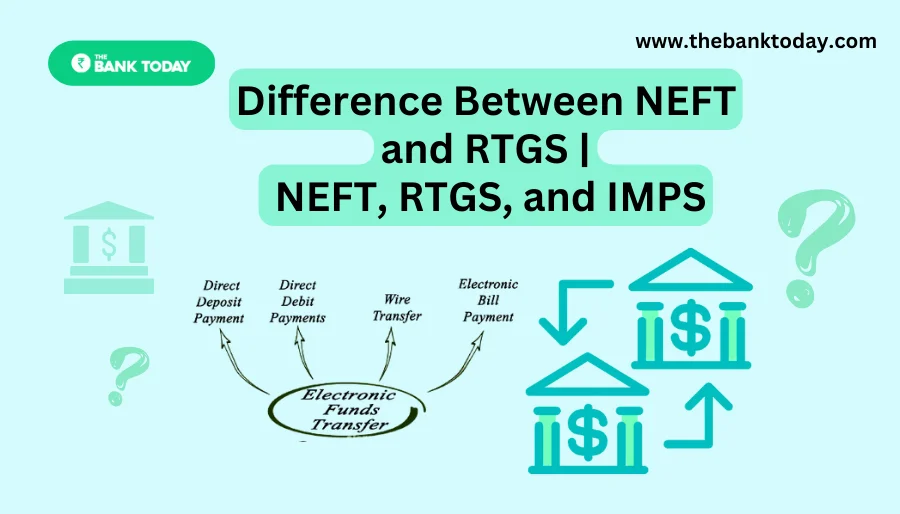
Difference Between NEFT and RTGS

Get Banking Updates

Important banking and money updates, delivered without the clutter.
Thank you! Please check your inbox to confirm your subscription.
Popular Updates
SBI Asha Scholarship
SBI Asha Scholarship 2023: विद्यार्थियों को मिल रही 5 लाख की स्कॉलरशिप
31/07/2023
fd
RBI Changes FD Interest Rate Rules From October 1
22/09/2026
How to register YONO SBI
How to register YONO SBI in Just 5 minutes
11/05/2023
check balance from SBI ATM
How to check Balance from SBI ATM?
30/07/2023
How to check Balance in SBI
How to check Balance in SBI in 2023?
18/02/2023

Tags

  • Central Bank Of India
  • Pan Card
  • register mobile number
  • pan card new rule
  • Banking Service
  • HDFC
  • SBI Personal Loan
  • Net Banking
  • Activate Net Banking
  • What is Bank?

TheBankToday

TheBankToday publishes practical banking, personal-finance and financial-news explainers to help readers understand important updates and services.
Quick Links
  • About
  • Contact Us
  • Disclaimer
  • Join Us
  • T&C
  • Privacy Policy
  • Customize Interests
Important Links
  • Advertise With Us
  • Advertising Policy
  • Cookie Policy
  • Corrections Policy
  • Editorial Policy
  • Fact-Checking Policy
  • Grievance Redressal

Subscribe Us

Subscribe to our newsletter to get our newest articles instantly!

Thank you! Please check your inbox to confirm your subscription.
© 2026 TheBankToday. All Rights Reserved.
Welcome Back!

Sign in to your account

Username or Email Address
Password

Lost your password?