

TheBankTodayTheBankTodayTheBankToday
Notification Show More
Font ResizerAa
  • Home
  • Banking
  • SBI
  • ATM Card
  • NEFT/UPI
  • Central Bank
  • Important
Reading: State Bank of India launches WhatsApp Banking for Easy Access
Share
Font ResizerAa
TheBankTodayTheBankToday
  • Home
  • Banking
  • SBI
  • ATM Card
  • NEFT/UPI
  • Central Bank
  • Important
Search
  • Home
  • Banking
  • SBI
  • ATM Card
  • NEFT/UPI
  • Central Bank
  • Important
Have an existing account? Sign In
Follow US

Home » SBI

sbi whatsapp banking result
SBI

State Bank of India launches WhatsApp Banking for Easy Access

Takendra Verma
Last updated: 14/04/2026 2:34 PM
Takendra Verma
Published: 14/04/2026
Share
SHARE

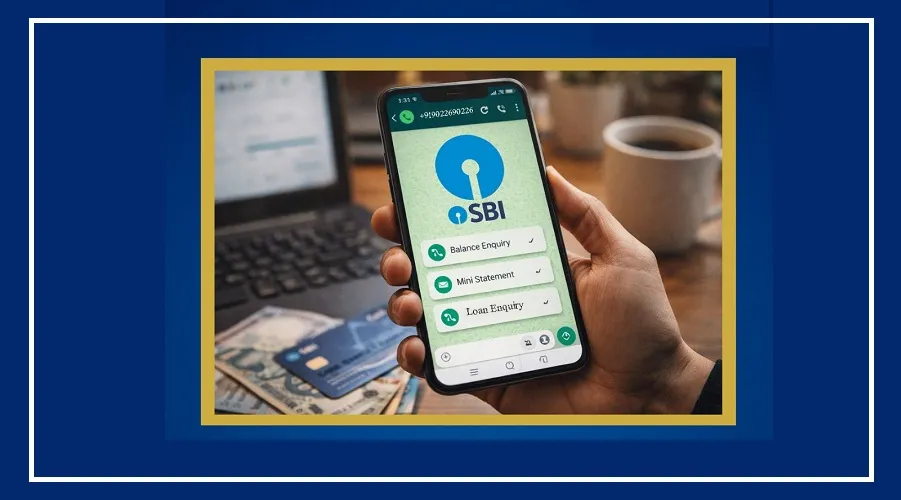
The country’s largest public sector bank, State Bank of India (SBI), has made banking even easier with its WhatsApp Banking Service. Now, customers can access many banking services from home using WhatsApp.

Contents
Easy Banking on WhatsAppHow to Register for the ServiceHow to Use WhatsApp BankingServices You Can AccessAvailable 24/7 with Safety Tips

This means no more waiting in long queues or visiting ATMs just to check your balance or view recent transactions.

Easy Banking on WhatsApp

SBI first launched this service in 2022 with basic features like balance check and mini statements. Over time, the bank has upgraded it with more useful options.

Today, customers can check detailed account statements, get loan-related information, access NRI services, and use many other banking features directly on WhatsApp.

How to Register for the Service

To use this service, your mobile number must be registered with your bank account and linked to WhatsApp.

You can register in two simple ways:

Scan the QR code available on SBI’s official website

Or send an SMS from your registered number in this format:
WAREG ACCOUNTNUMBER
Send it to: +917208933148
(Example: WAREG 123456789)

How to Use WhatsApp Banking

Once registered, using the service is very simple.

Send “Hi” on WhatsApp to +919022690226

You will receive a welcome message from SBI

A list of services will appear, and you can choose what you need

Services You Can Access

With SBI WhatsApp Banking, you can use many services anytime:

Check account balance

View mini statement (last 10 transactions)

Download full statement (up to 250 transactions)

Get home loan and education loan interest certificates

Access pension slips

Get details of loan and deposit products

Check debit card information

Block lost or stolen cards

Download banking forms

Find the nearest ATM or branch

Available 24/7 with Safety Tips

One of the biggest benefits of this service is that it works 24/7. You don’t have to worry about bank holidays or working hours.

However, always use this service only from your registered mobile number. Avoid clicking on unknown links or using unofficial apps to stay safe.


You Might Also Like

SBI ATM Pin Generation Free | How to Generate New SBI ATM Pin in 2023
SBI Zero Balance Account Open Online from Home in Minutes
SBI Cash Withdrawal Rules Change from October 1
SBI announces Temporary Shutdown of Digital Services
SBI updates FD and RD Interest Rates for June 2026
Share This Article
Facebook Email Print
Leave a Comment

Leave a Reply Cancel reply

Your email address will not be published. Required fields are marked *

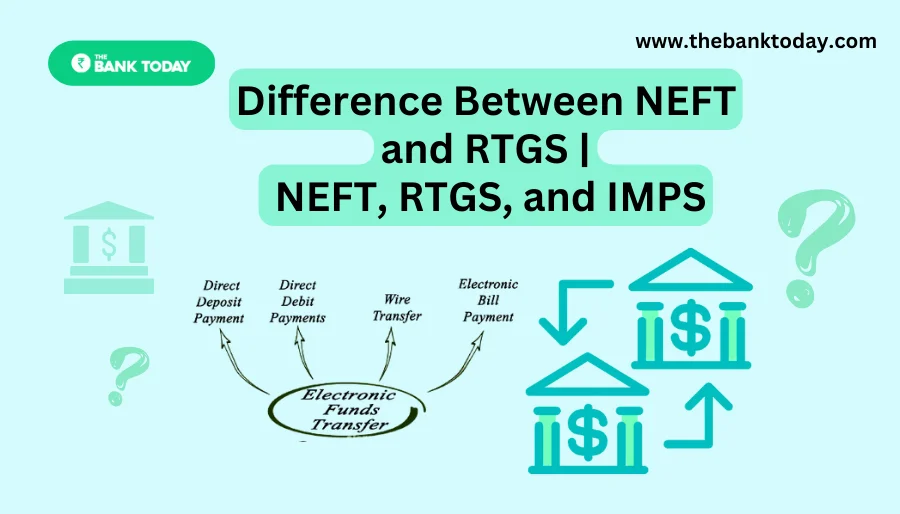
Difference Between NEFT and RTGS

Get Banking Updates

Important banking and money updates, delivered without the clutter.
Thank you! Please check your inbox to confirm your subscription.
Popular Updates
SBI Asha Scholarship
SBI Asha Scholarship 2023: विद्यार्थियों को मिल रही 5 लाख की स्कॉलरशिप
31/07/2023
fd
RBI Changes FD Interest Rate Rules From October 1
22/09/2026
How to register YONO SBI
How to register YONO SBI in Just 5 minutes
11/05/2023
check balance from SBI ATM
How to check Balance from SBI ATM?
30/07/2023
How to check Balance in SBI
How to check Balance in SBI in 2023?
18/02/2023

Tags

  • Central Bank Of India
  • Pan Card
  • register mobile number
  • pan card new rule
  • Banking Service
  • HDFC
  • SBI Personal Loan
  • Net Banking
  • Activate Net Banking
  • What is Bank?

TheBankToday

TheBankToday publishes practical banking, personal-finance and financial-news explainers to help readers understand important updates and services.
Quick Links
  • About
  • Contact Us
  • Disclaimer
  • Join Us
  • T&C
  • Privacy Policy
  • Customize Interests
Important Links
  • Advertise With Us
  • Advertising Policy
  • Cookie Policy
  • Corrections Policy
  • Editorial Policy
  • Fact-Checking Policy
  • Grievance Redressal

Subscribe Us

Subscribe to our newsletter to get our newest articles instantly!

Thank you! Please check your inbox to confirm your subscription.
© 2026 TheBankToday. All Rights Reserved.
Welcome Back!

Sign in to your account

Username or Email Address
Password

Lost your password?